+1 740 762 6496
 +91 70189 46603

Contact Us

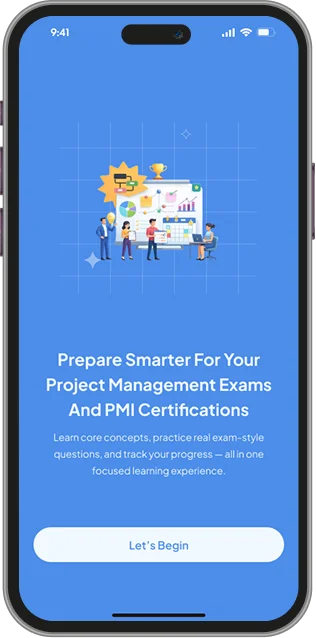
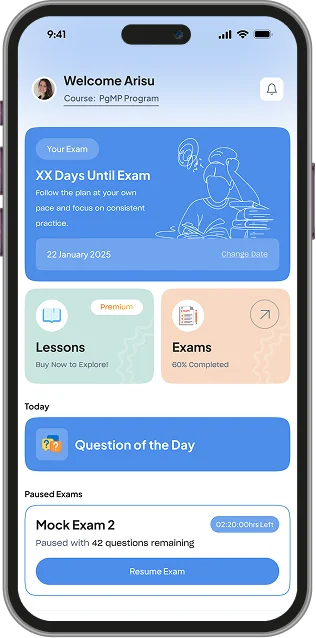
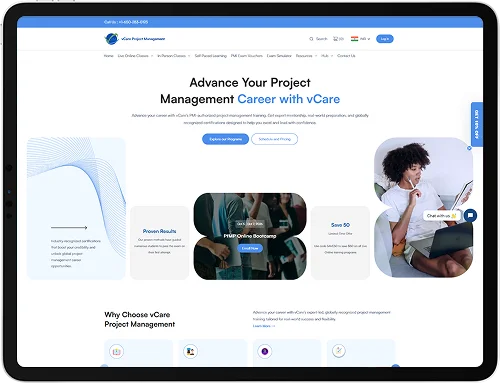
vCare prepares professionals for the project-management world's most demanding PMI certifications. We built them a custom learning platform they fully own — a single TypeScript backend that runs the marketing website, the learner portal, the admin console, and the Android and iOS apps. Video lessons, timed mock exams, subscriptions, and certificates all run on infrastructure that's theirs.
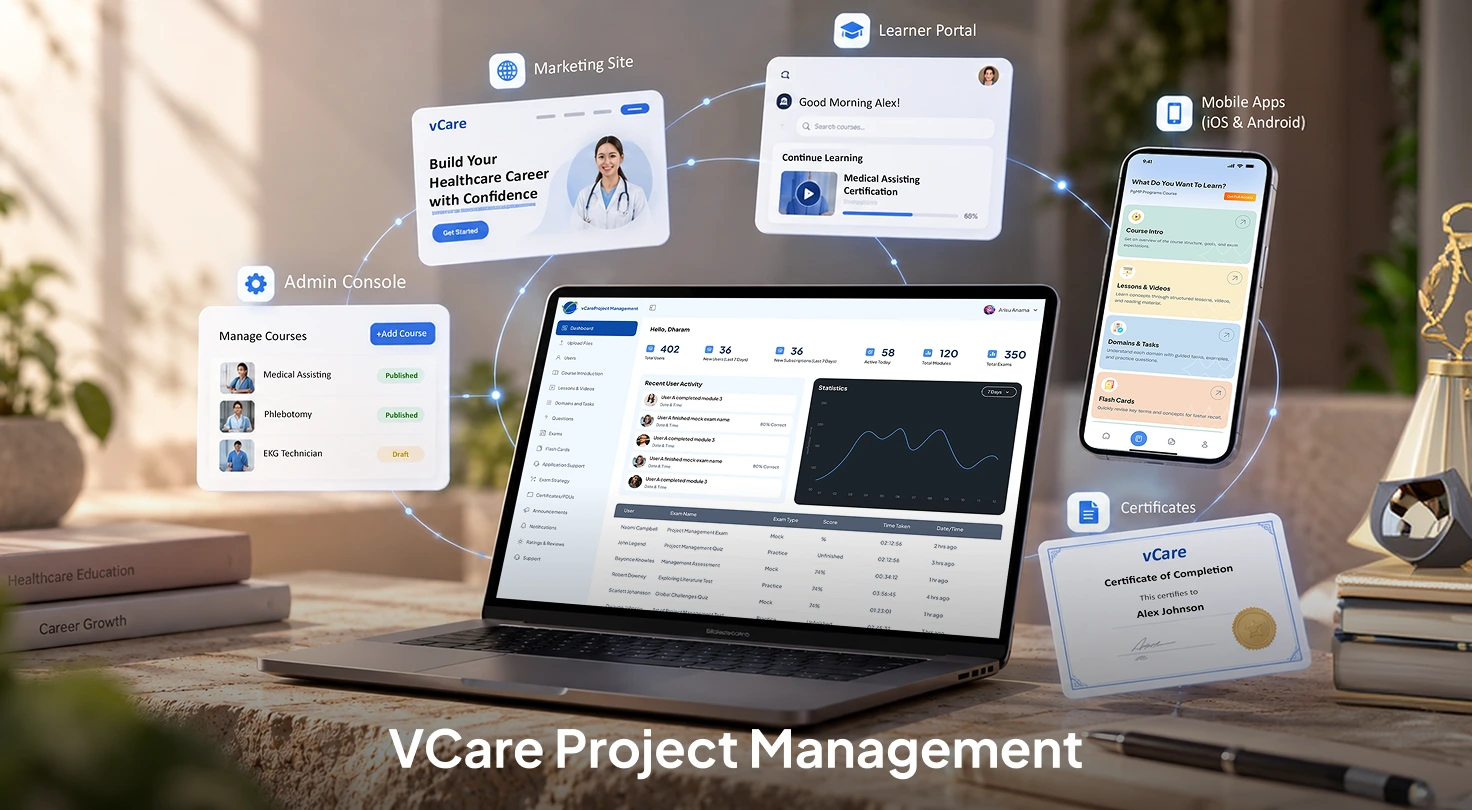
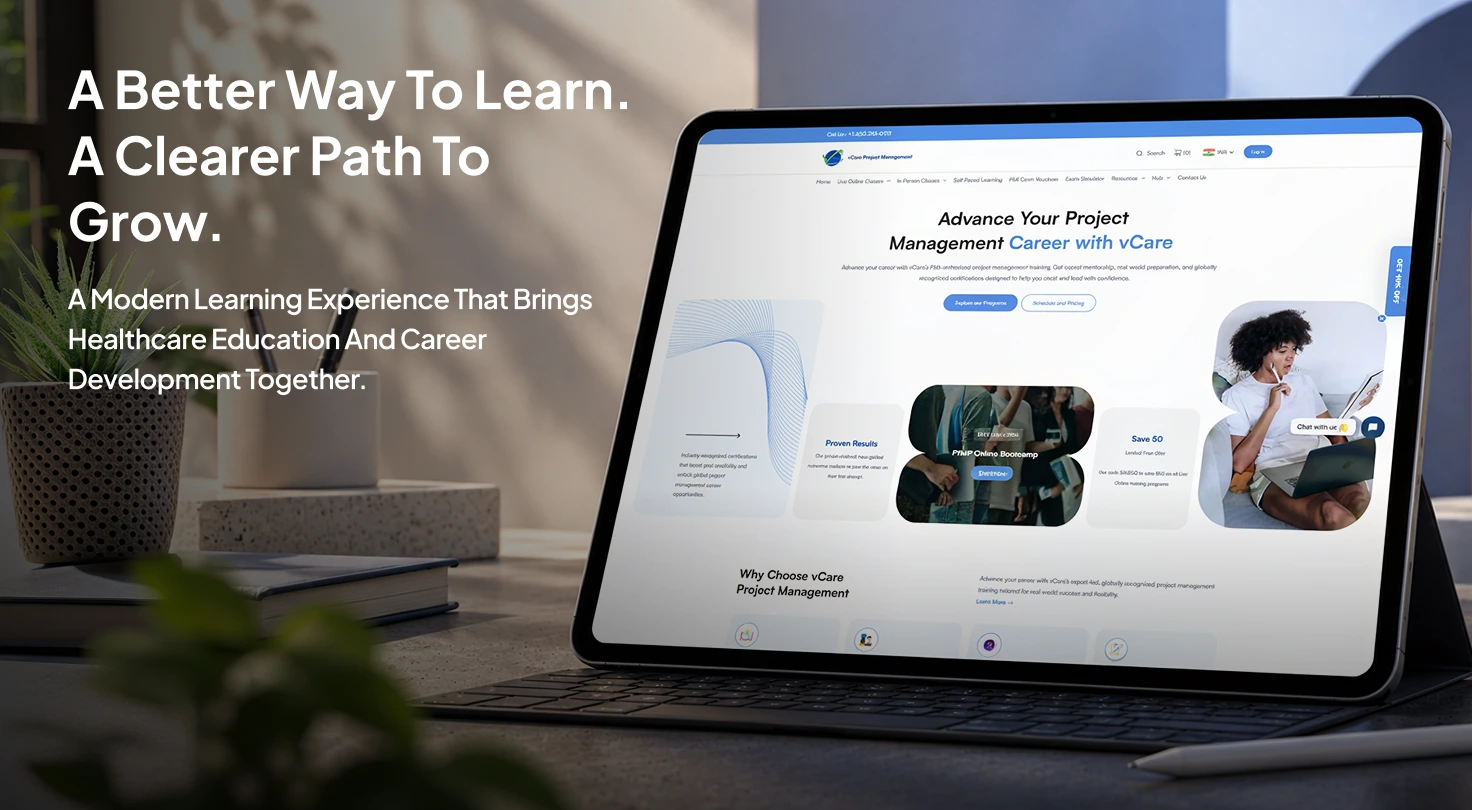
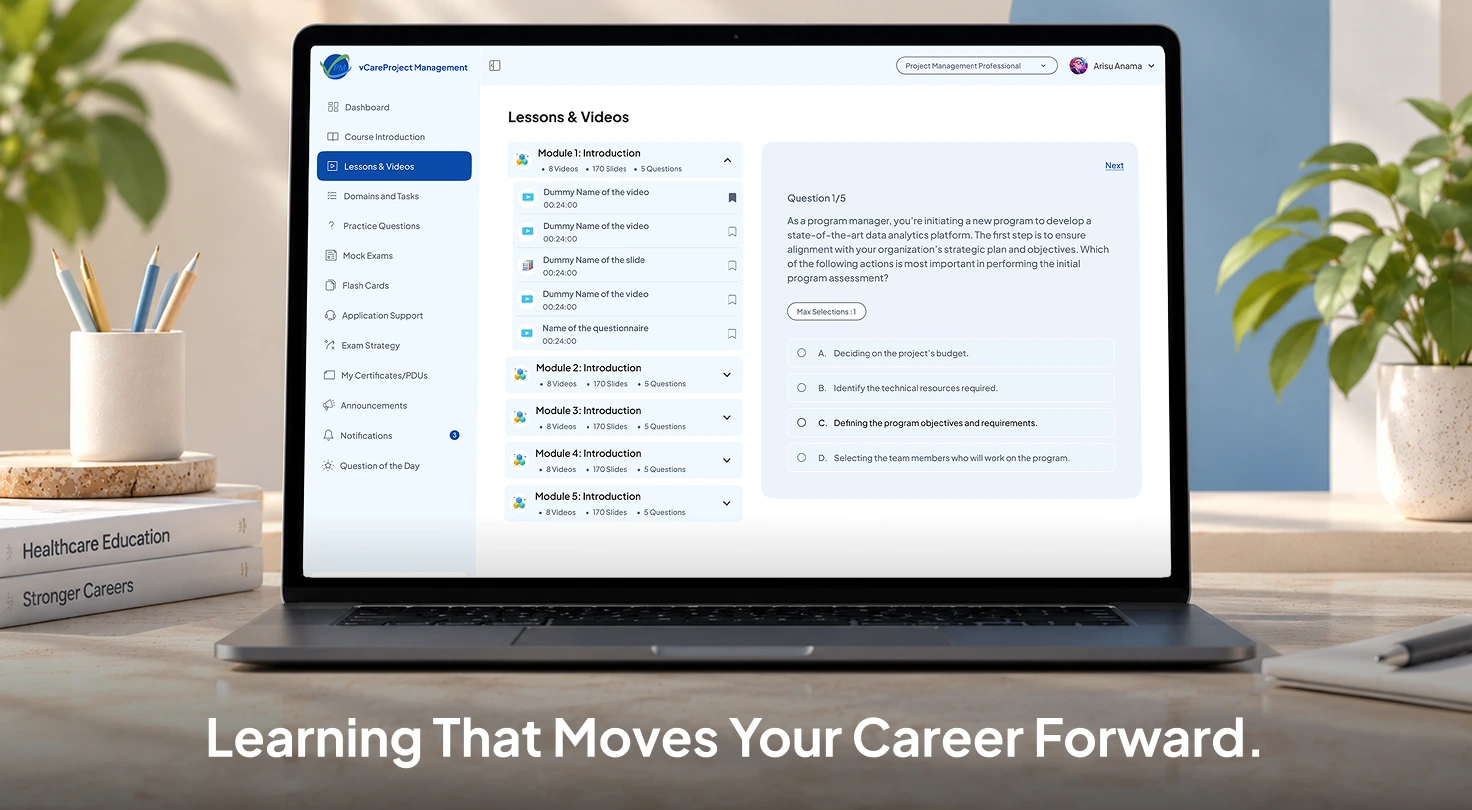
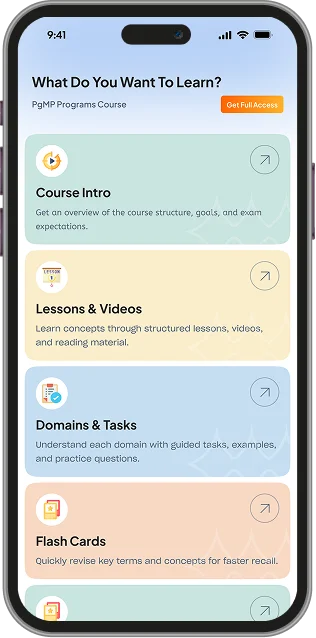
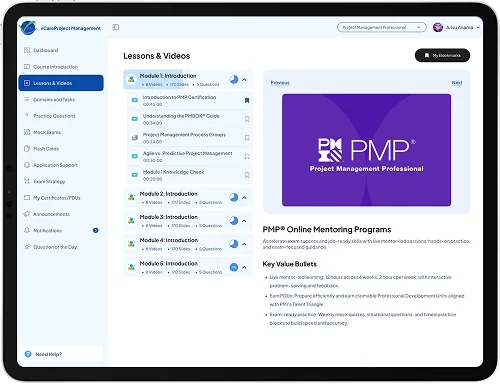
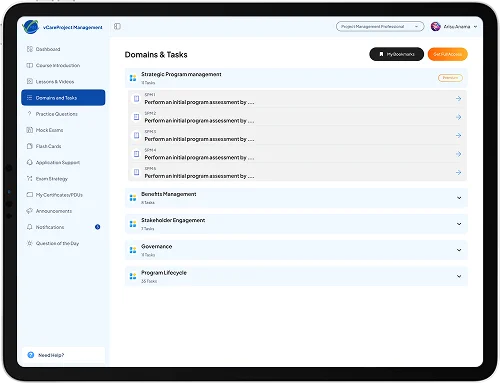
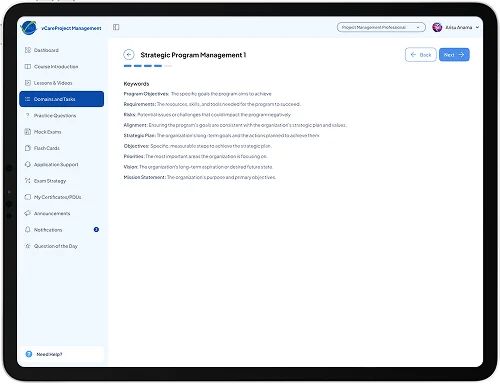
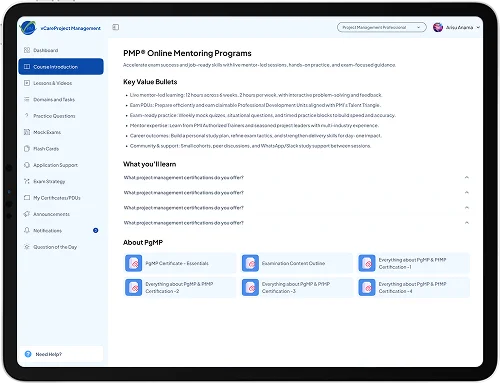
vCare helps working professionals earn the industry's most respected project-management credentials — PMP, PgMP, PfMP, PMI-RMP, PMI-PMOCP, and CPMAI. Students learn through video lessons, large question banks, full-length mock exams, flashcards, and exam-strategy content, and they study across both web and mobile, often switching between the two in a single day.
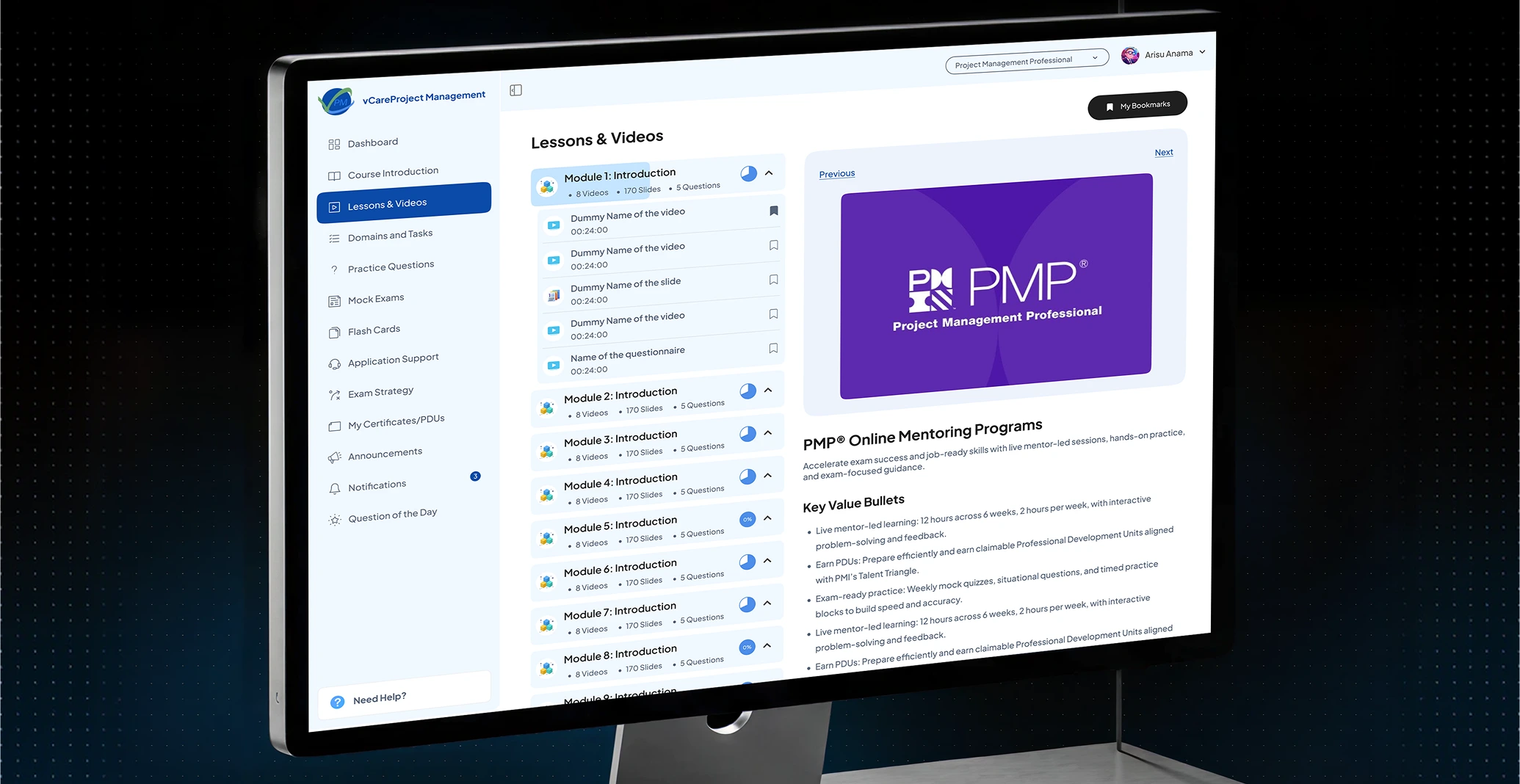
Running a business like that takes more than a storefront. It needs to stream protected video, run timed exams that behave like the real thing, share one subscription across web and phone, issue certificates on demand, and let the team manage all of it without calling a developer. vCare wanted a platform built for exactly that — and one they would fully own.
A generic online store is good at selling a single product page. It was never built to run a learning business — and vCare's product is entirely learning. Five things pushed well past what an off-the-shelf store can do:
Stream hours of protected video and documents without the files leaking the moment a link is shared.
Run timed mock exams with several question types that survive a refresh, a phone call, or a dropped connection — with zero lost answers.
Sell one subscription that works the same whether it's bought on the web, an iPhone, or an Android phone.
Issue PDU certificates on demand, in seconds, from templates the team controls.
The answer was a custom platform built around the learning product itself, with one backend behind every screen.
Five surfaces, one backend. Each piece does one job well, and they all share the same source of truth.
| Piece | What It Does | Stack |
|---|---|---|
| Marketing Website | Course pages, exam simulators, practice exams, SEO landing pages. | React 18, TypeScript, Vite, Tailwind, Radix UI |
| Learner Portal | Lessons, question banks, mock exams, flashcards, certificates. | React 18, TypeScript, Vite, Firebase web push |
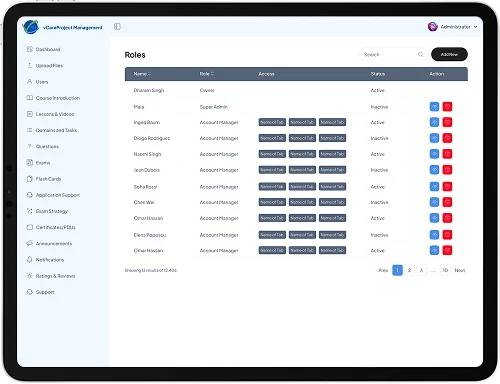
| Admin Console | Content, users, plans, roles, reports, notifications. | React 18, TypeScript, TanStack Table, TinyMCE |
| Core API | One backend for web, Android and iOS. | Node.js, Express 5, TypeScript, MongoDB (Mongoose), Redis |
| Media & Delivery | Video, documents, certificates. | AWS S3, CloudFront signed URLs, FFmpeg |
| Payments | Web checkout plus in-app purchases. | Stripe, Apple App Store, Google Play Billing |
Four decisions early on shaped a platform the business could actually run and grow on its own.
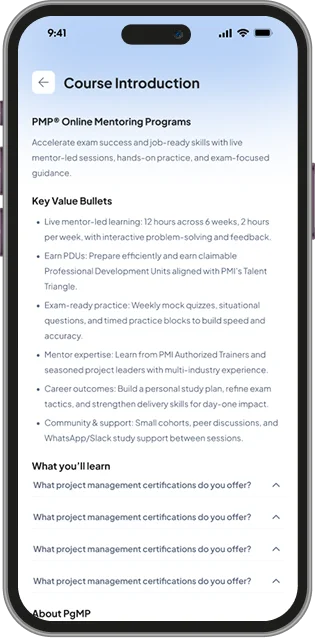
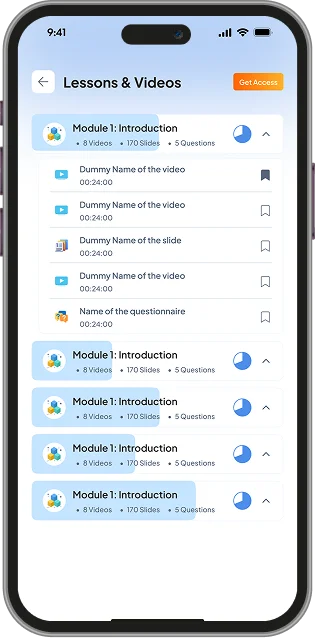
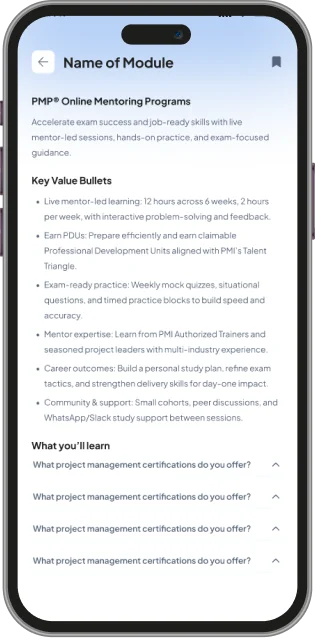
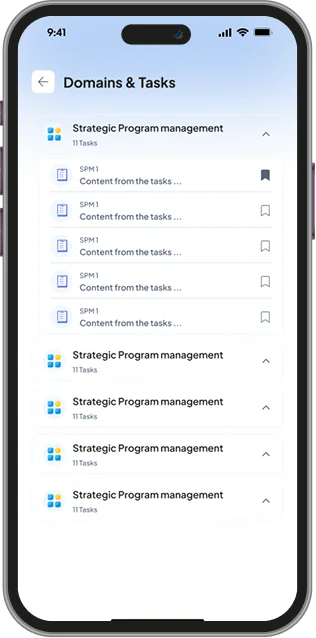
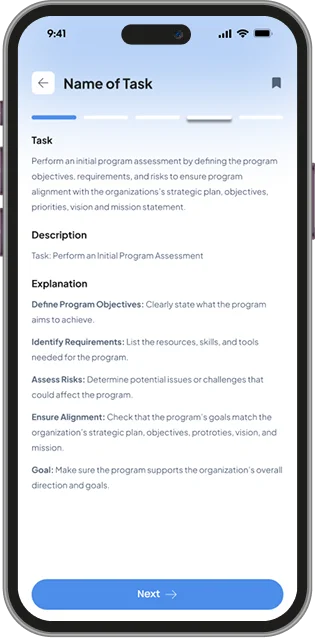
Each course is a record with its own modules, lessons, question banks, mock exams, flashcards, and exam-strategy content. Plans and prices are records too — so the business edits them in the admin console without touching code or waiting on a developer.
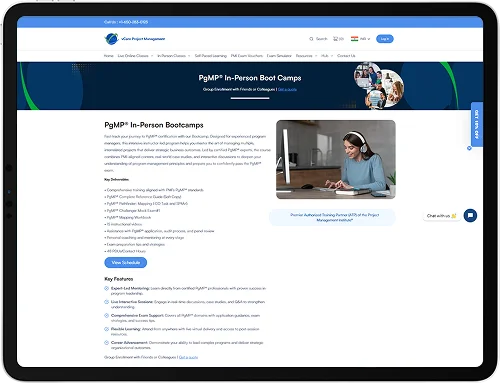
Each certification gets its own indexable pages, with clean URLs such as /pmp/exam-prep and /pmi-rmp/flash-cards, so search traffic lands on the right page instead of a single generic route.
Every “Start” or “Subscribe” button sends the visitor to the portal login with a return path — for example /subscriptions?course=PMP — so after signing in they land exactly where they meant to go.
Admins import lessons and questions from CSV templates the console provides — one each for multiple-choice, fill-in-the-blank, and drag-and-drop — so hundreds of questions go in at once instead of being typed one by one.
Every client — the marketing site, the learner portal, the admin console, and both mobile apps — talks to the same API. Business rules, payments, and access checks all live in one place, so a change ships to web and mobile at the same time, and the three platforms can never drift apart.
The app and web clients show and remember things; the backend checks and decides things; the database and cloud storage hold things.
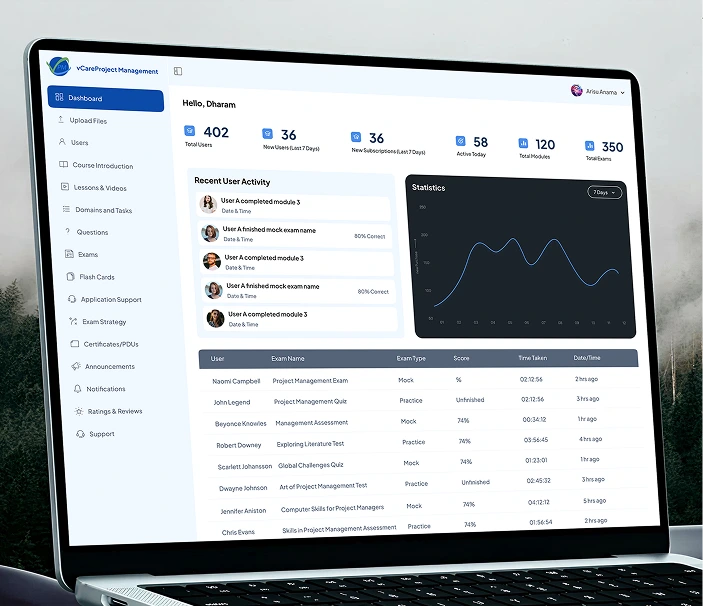
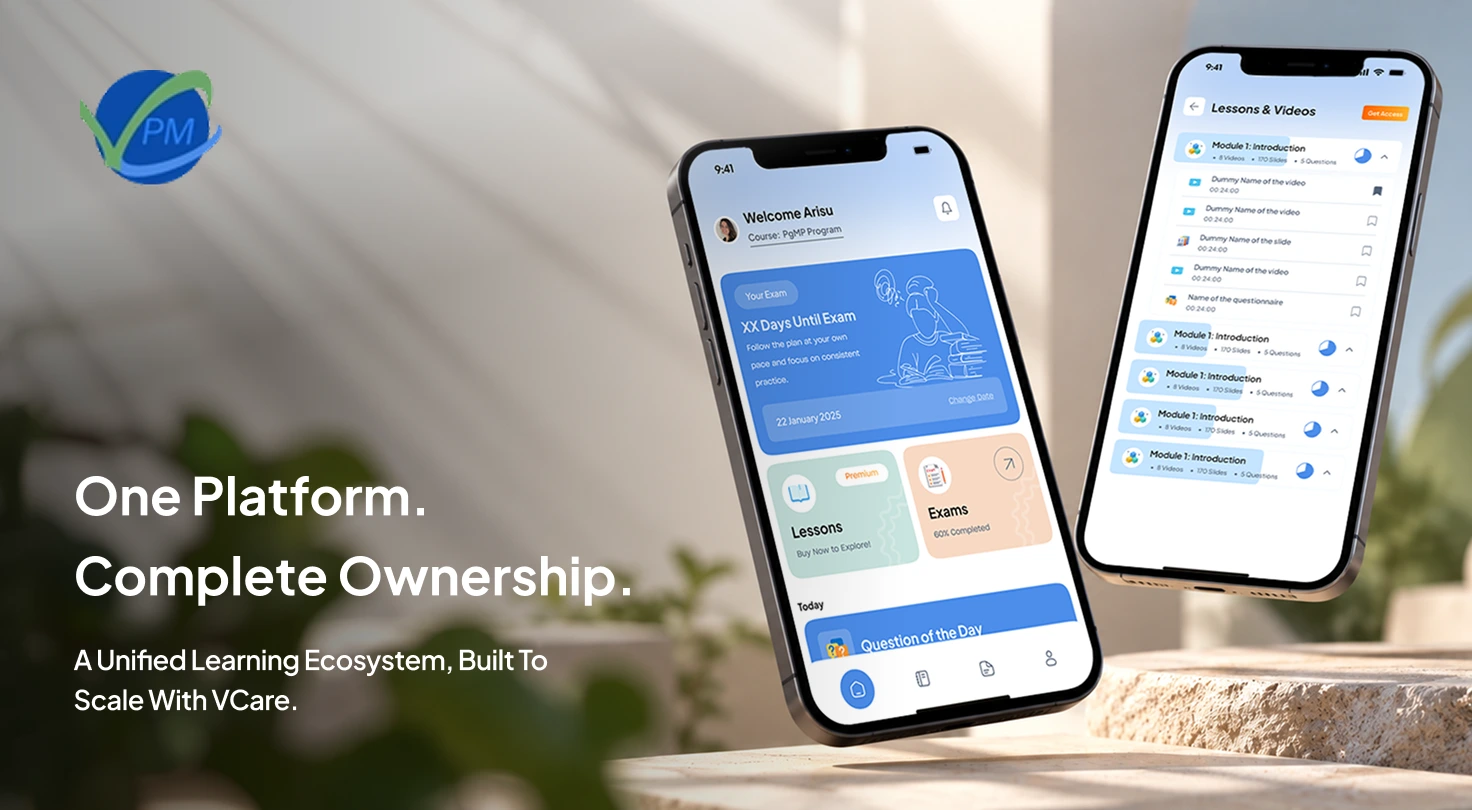
A learner can start a mock exam on a laptop, pause it, and finish it on a phone — because there is no separate mobile backend to fall out of sync.
We built three React applications — the marketing site, the learner portal, and the admin console — on one shared design system. Each deploys on its own, but all three look and behave like a single product.
All three apps use React 18, TypeScript, Vite, Tailwind, and accessible Radix UI primitives. Buttons, dialogs, tables and forms behave the same everywhere, and a fix in one app carries over to the others.
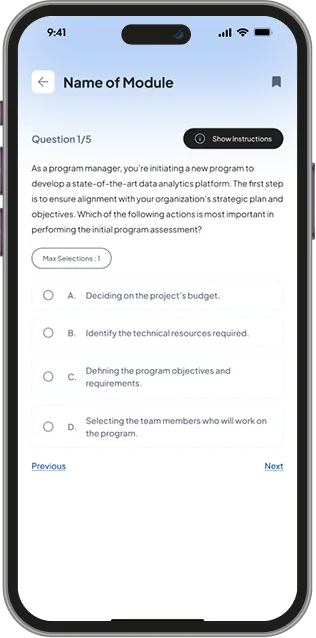
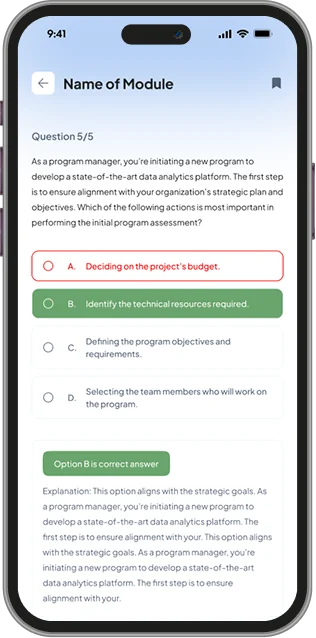
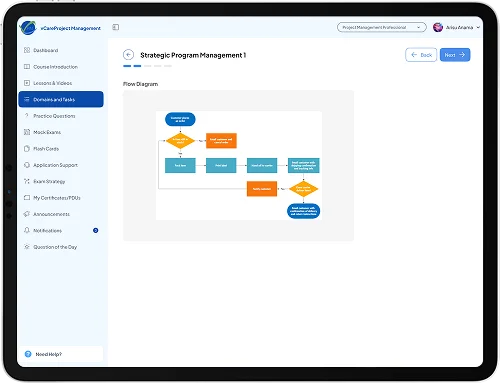
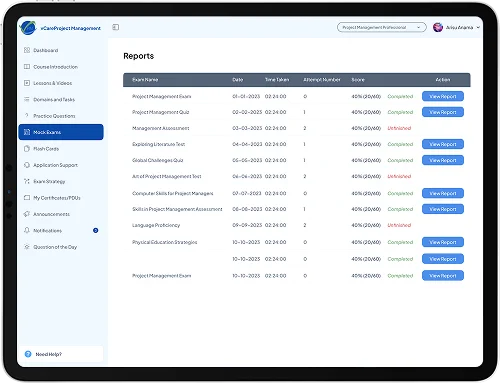
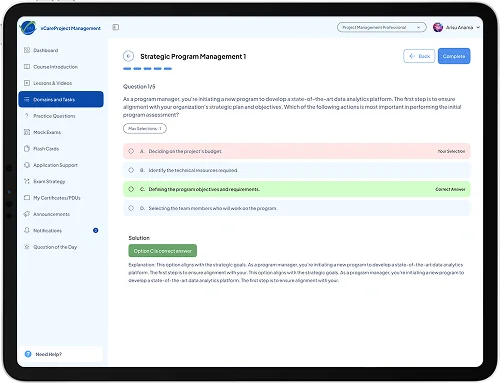
The mock-exam engine supports multiple-choice, fill-in-the-blank, and drag-and-drop ordering (built on dnd-kit). A drift-resistant timer checks the clock twice a second and auto-submits at zero; refresh and back-navigation are guarded; and learners can pause and resume on web or phone.
The portal reads one access map per course and shows, locks, or upsells each feature accordingly — and the server enforces the very same rules again.
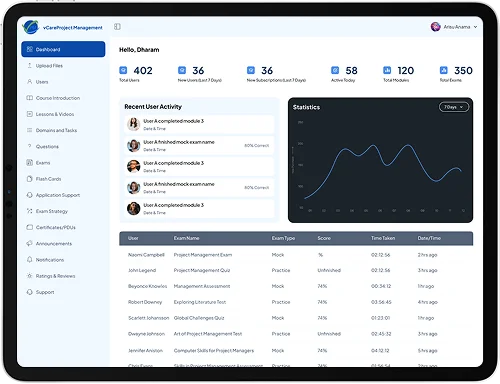
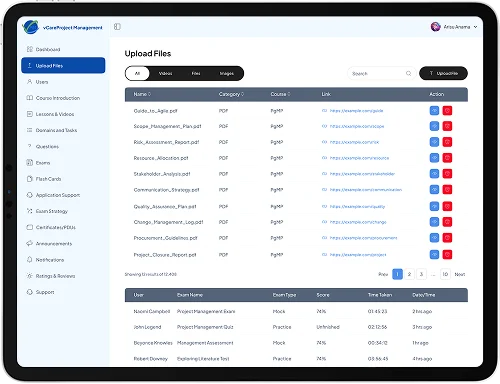
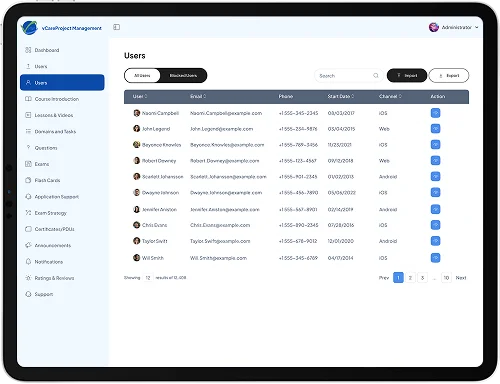
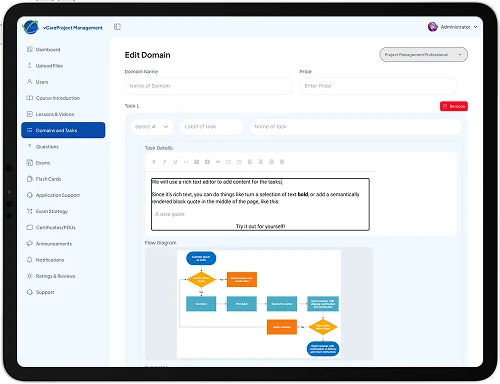
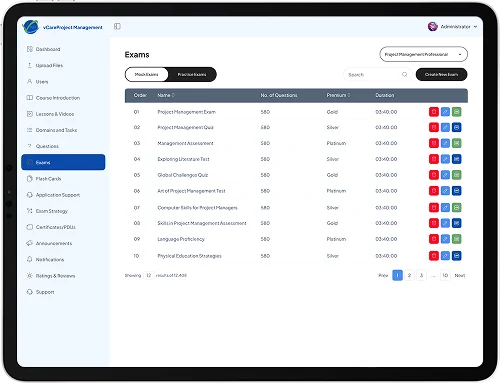
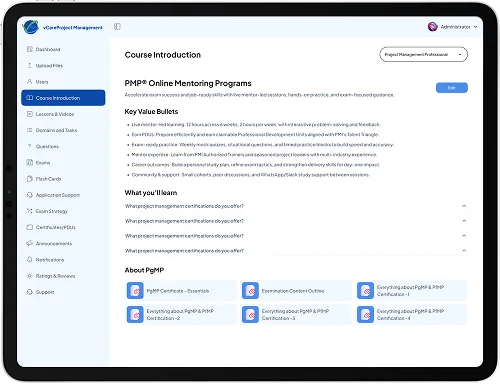
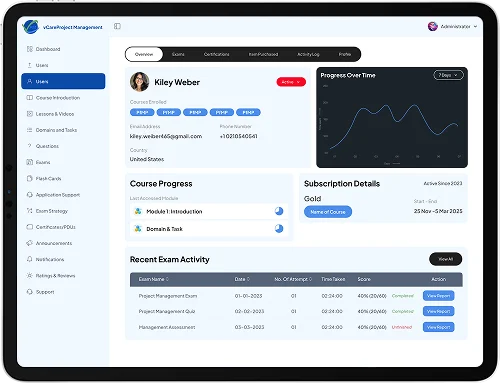
Admins manage courses, questions, plans, users, tickets, ratings, announcements, and certificate templates — with drag-and-drop ordering, rich content via TinyMCE, and CSV report exports.
A route-aware SEO layer sets the title, meta description, Open Graph tags, and canonical URL on every navigation — so a single-page app still ranks page by page.
The backend is a TypeScript service on Express 5, MongoDB, and Redis, split into three guarded route groups — public, learner, and admin. Here's what makes it trustworthy.
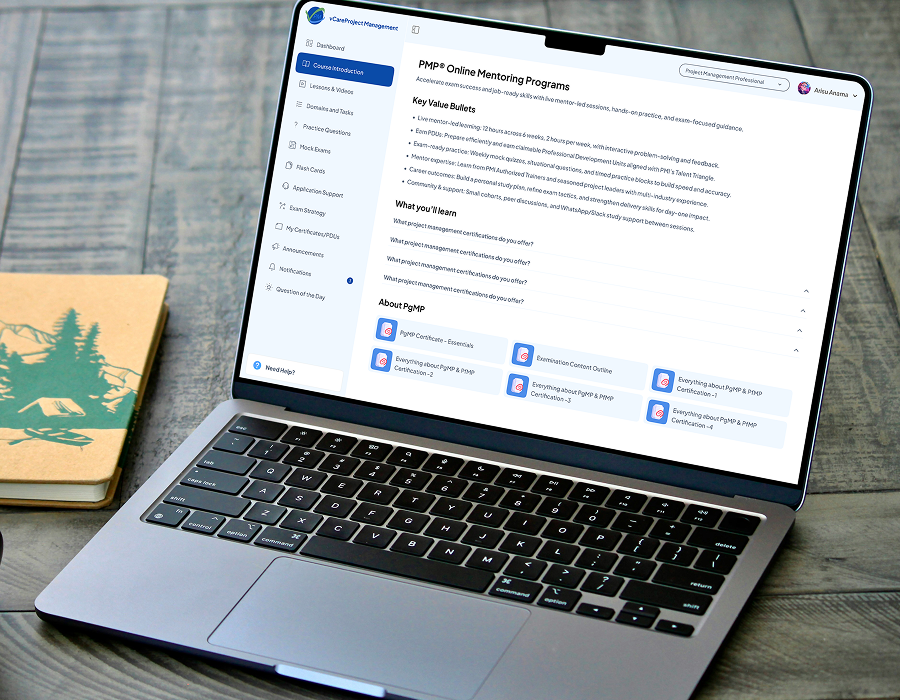
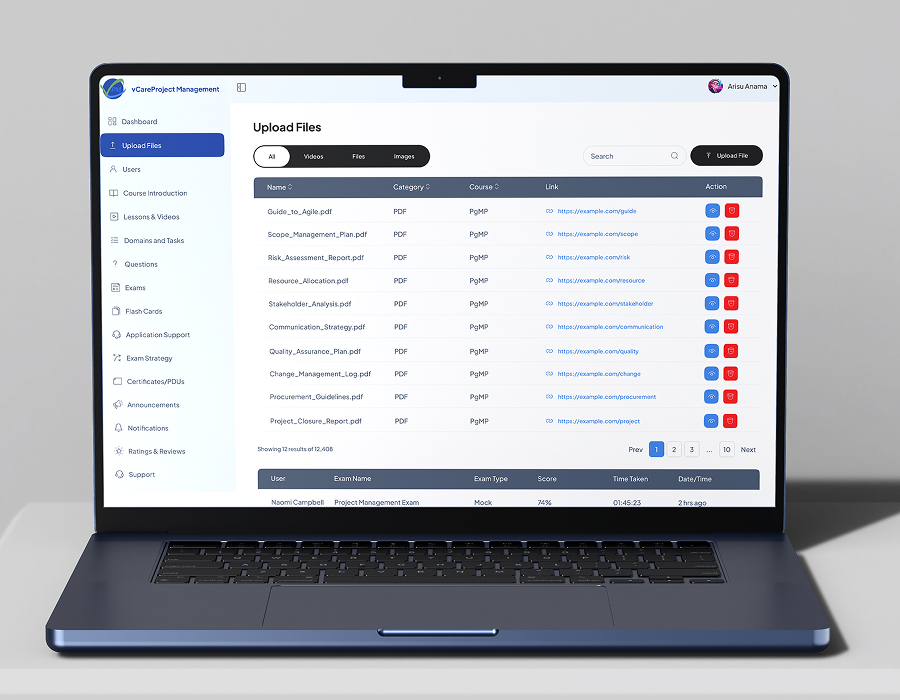
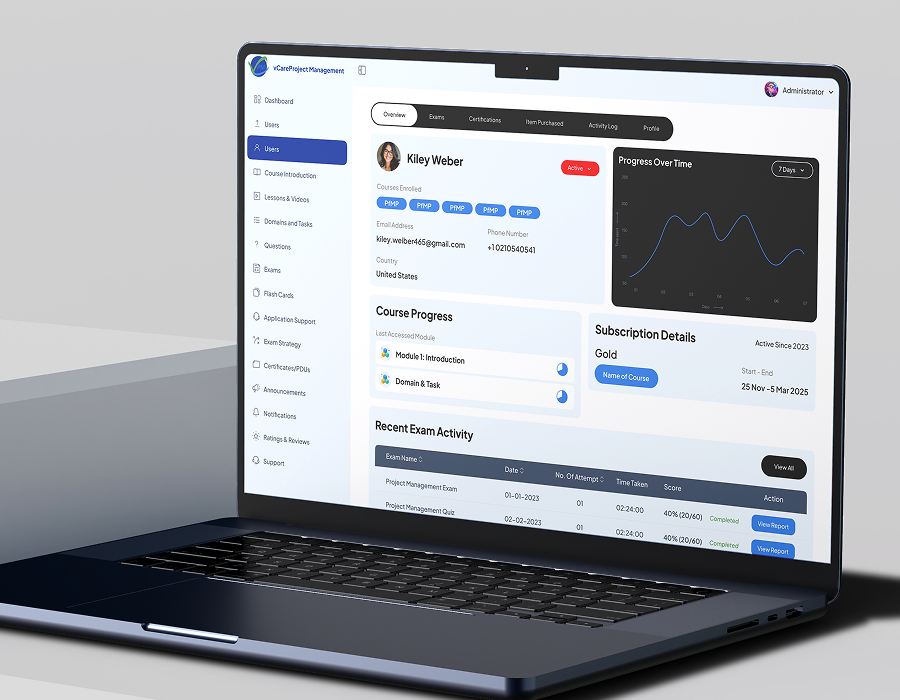
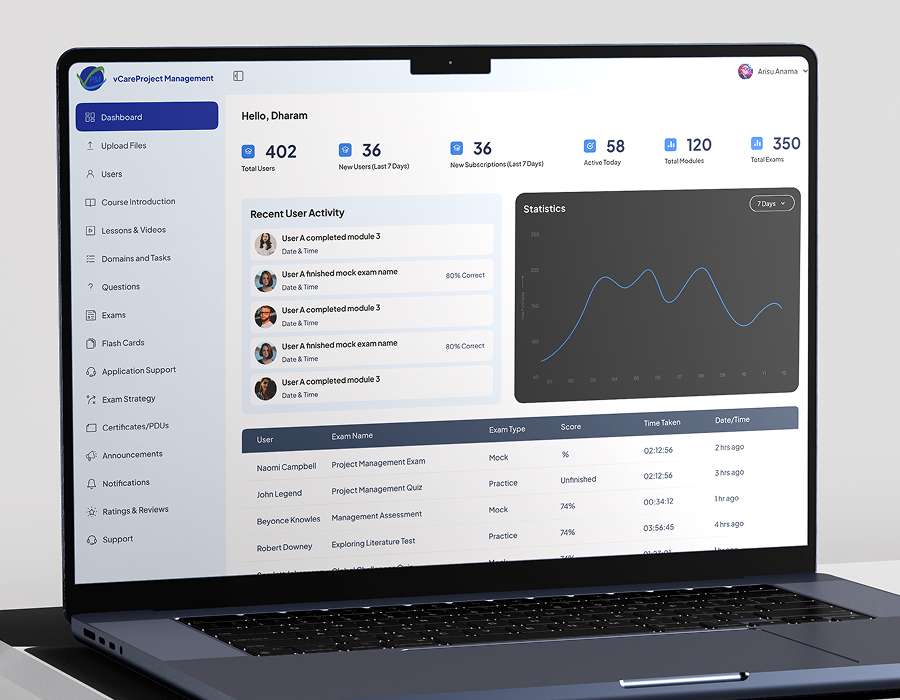
The Android and iOS apps call the exact same API as the website — there is no separate mobile backend to maintain or fall out of sync.
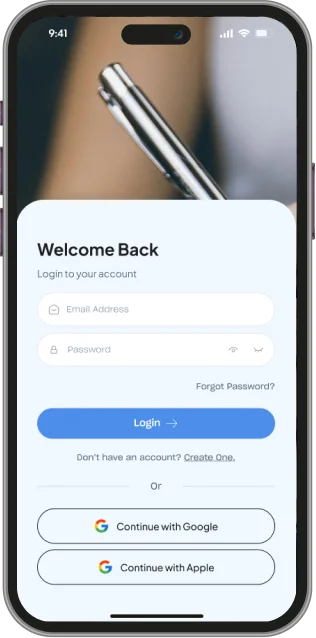
Every login records the device type. On the web the refresh token sits in a cookie; native apps send the same token in a header. The rotation and security rules are identical.
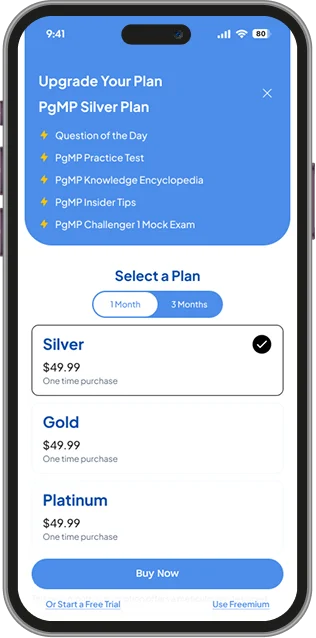
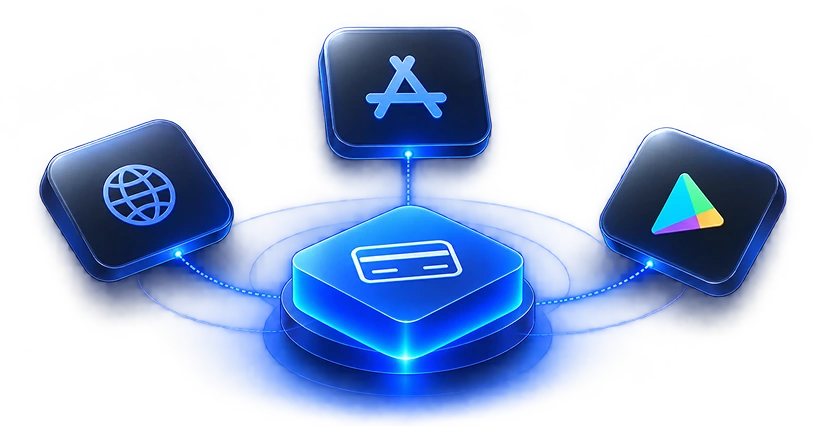
The same plan can be bought through Stripe, the App Store, or Google Play. Each plan stores all three product IDs, and whichever store reports the purchase, the backend grants the same access. Free trials are one per course per learner, on any device.
Firebase Cloud Messaging reaches Android, iOS, and web from one call, in batches, with dead tokens pruned automatically; universal links open emails and web links straight into the installed iOS app.
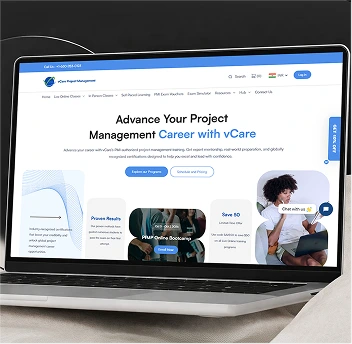
Content access, exam rules, progress, bookmarks, and certificates are all enforced by the API — so a feature built once on the server works on all three platforms.
One subscription, three stores
Stripe, Apple and Google each report purchases in a different format and on a different schedule
Each plan maps to all three store product IDs; every purchase becomes one internal record granting the same access
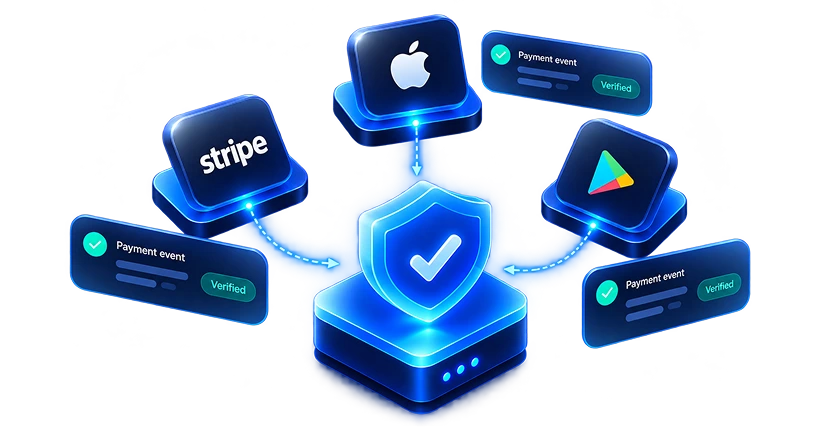
Trusting payment events
Webhooks can be forged, repeated, or arrive late
Signature checks on Stripe, cryptographic verification on Apple, server-to-server confirmation with Google, and de-duplication by transaction ID
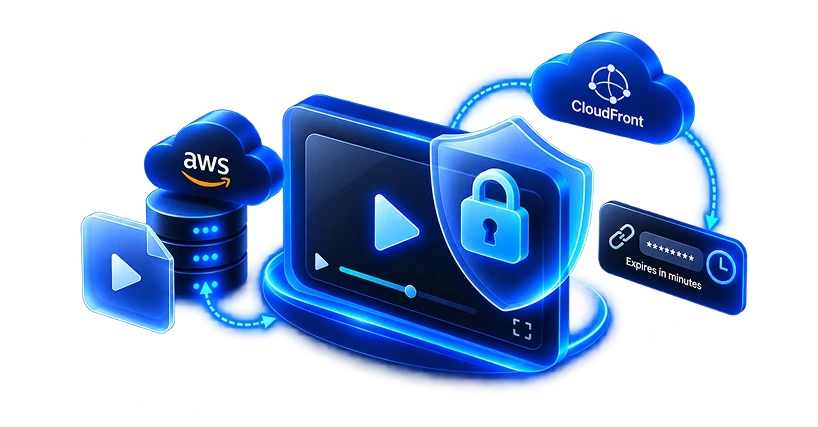
Keeping paid video private
A video link can be shared in seconds
Private S3 storage behind CloudFront URLs that expire within minutes, plus one active session per account
Account sharing
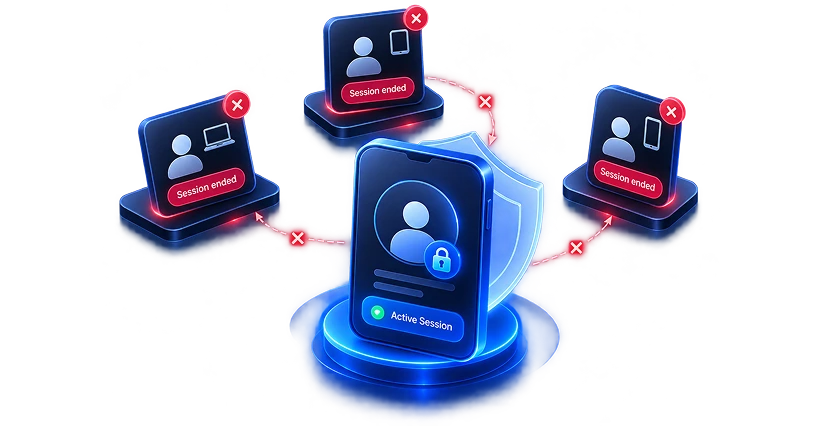
Exam-prep accounts are often shared between colleagues
Every token is tied to a server-side session; a new login ends the previous one
A fair, real-feeling exam
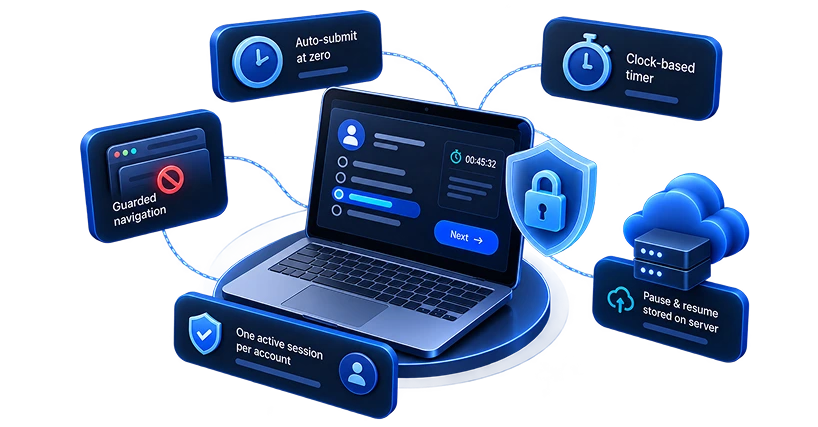
Timers drift, tabs get refreshed, and people lose connection
A clock-based timer, auto-submit at zero, guarded navigation, and pause-and-resume stored on the server
SEO on a React single-page app
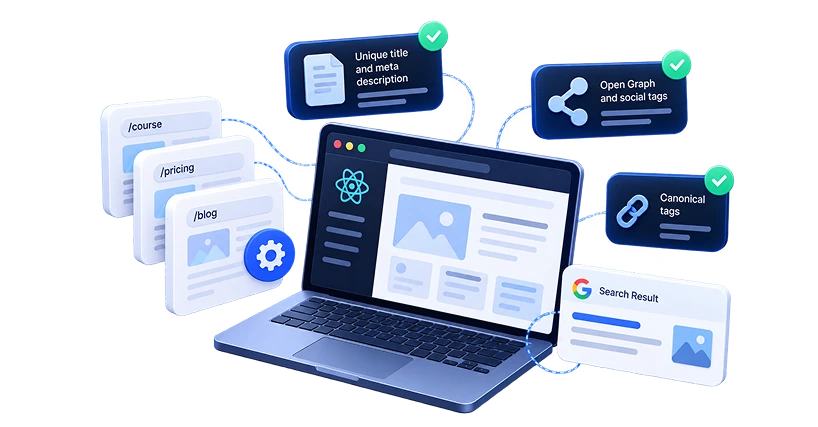
Every route shared one title and description
A route-aware SEO layer sets title, meta, Open Graph and canonical tags for each page
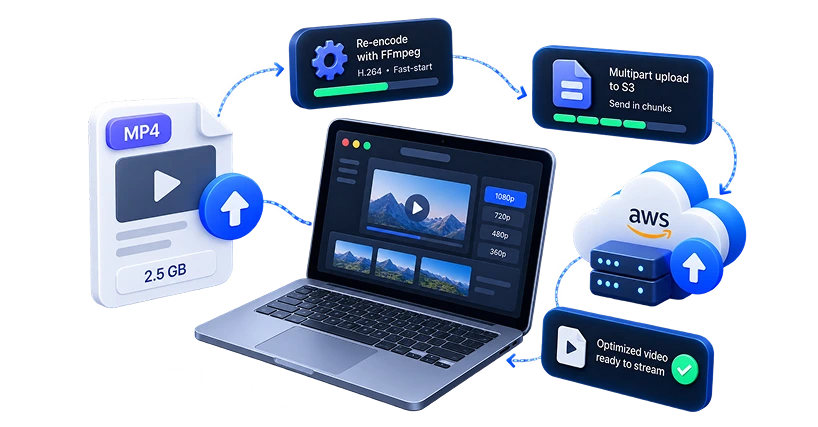
Large video uploads
Raw recordings are heavy and slow to start playing
FFmpeg re-encodes to H.264 with fast-start; multipart upload sends large files to S3 in chunks
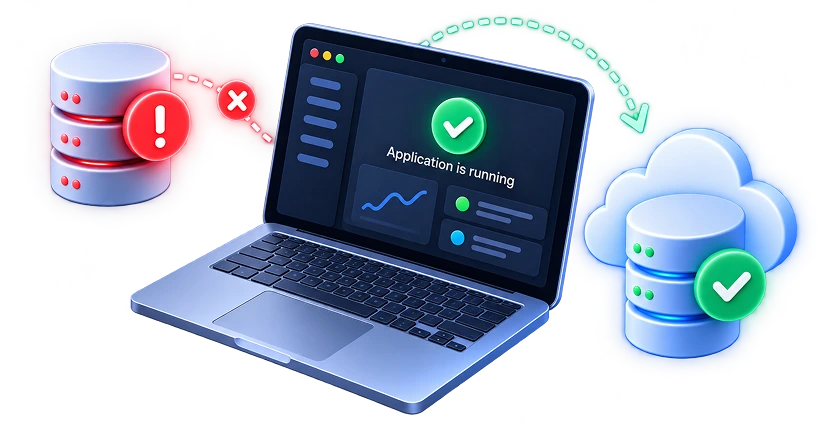
Staying up when a dependency fails
Redis or a third-party API can go down
Redis-based protections fail open, MongoDB reconnects with retries, and scheduled jobs never overlap
React 18, TypeScript, Vite, Tailwind CSS, Radix UI (shadcn pattern), TanStack Table, TinyMCE, Recharts, dnd-kit
Node.js, Express 5, TypeScript
MongoDB (Mongoose) — 33 collections; Redis
AWS S3, CloudFront (signed URLs), FFmpeg, node-canvas, PDFKit
JWT access + rotating refresh tokens; Apple & Google sign-in; email OTP
Stripe, Apple App Store, Google Play Billing
Firebase Cloud Messaging; React Email + Resend
Docker image; stateless API containers
vCare now owns its entire learning platform, from the first website visit to the issued certificate — nothing is locked inside someone else's storefront.
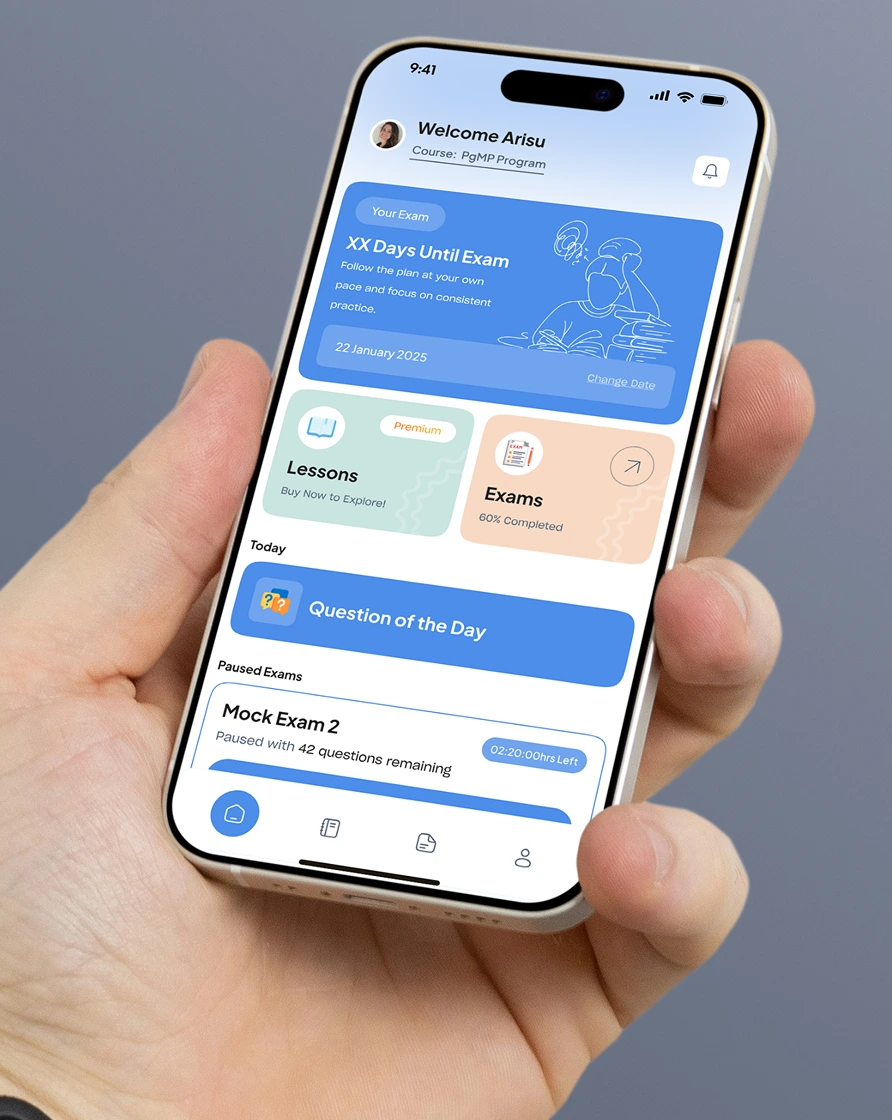
A complete, custom learning platform: a marketing website, a learner portal, an admin console, and native Android and iOS apps — all powered by a single backend. It handles video lessons, question banks, timed mock exams, flashcards, subscriptions, and certificates, with the business managing all the content itself.
A MERN stack in TypeScript. The three web apps are built with React 18, Vite, Tailwind, and Radix UI. The backend is Node.js and Express 5 with MongoDB (around 33 collections) and Redis, shipped as a Docker image. Media runs on AWS S3 and CloudFront, payments on Stripe plus Apple and Google billing, and messaging on Firebase Cloud Messaging and Resend.
Each plan stores its Stripe, Apple, and Google product IDs. Whichever store a learner buys through, the backend verifies the purchase with that store and maps it to the same internal plan — granting identical access everywhere. Renewals, cancellations, and expiries update access automatically, and free trials are limited to one per course per learner across all devices.
Videos live in private storage and are served only through links that expire within minutes, so a shared link stops working almost immediately. Every login is tied to a server-side session, so a new sign-in ends the previous one — which stops account sharing. Exams run on a server-backed timer and save progress continuously, so no answers are lost if the connection drops.
A standard store is built to sell a product page, not to run a learning business — streaming protected video, running real timed exams, sharing one subscription across web and mobile, and issuing certificates on demand. A custom platform does all of that, and leaves vCare owning the whole thing, free to change courses, prices, and plans without a developer or a third-party's feature limits.
Yes. Adding a certification is a content task, not an engineering one. The API runs as stateless containers that scale out, media is delivered through a CDN, and push notifications are batched — so the platform handles more courses and more learners without a redesign.